Set the size of your fleet
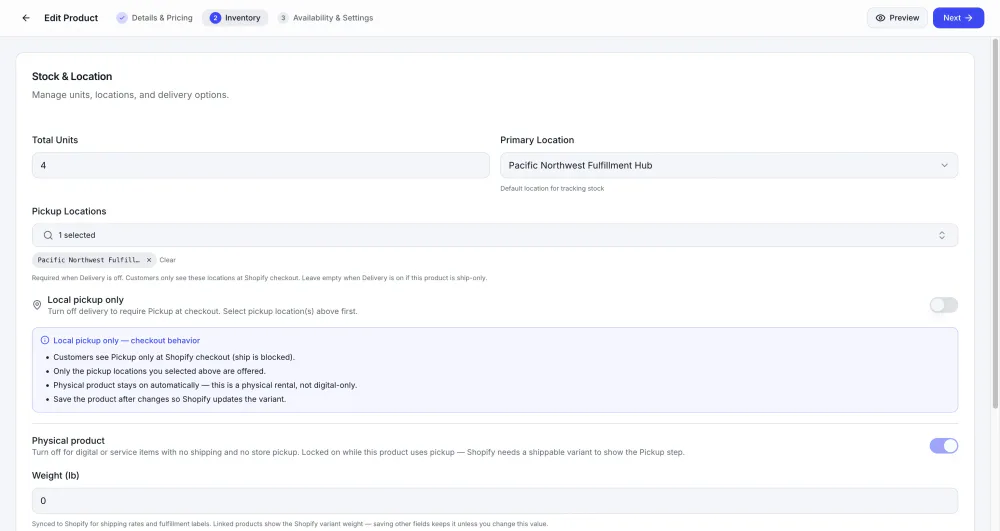
On the product's Inventory step, enter Total Units and choose a Primary Location, the default place you track that stock. That number is your fleet for the product.
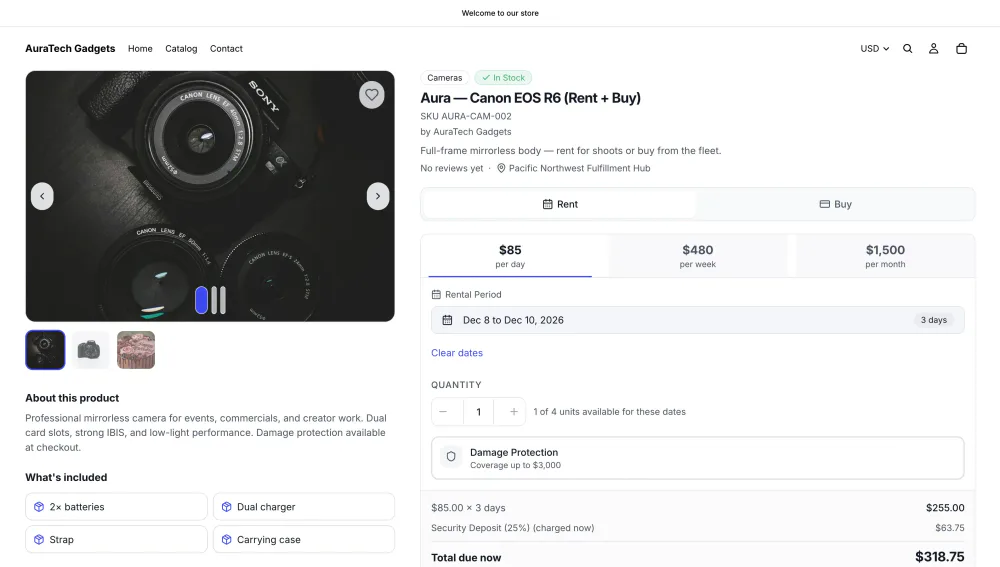
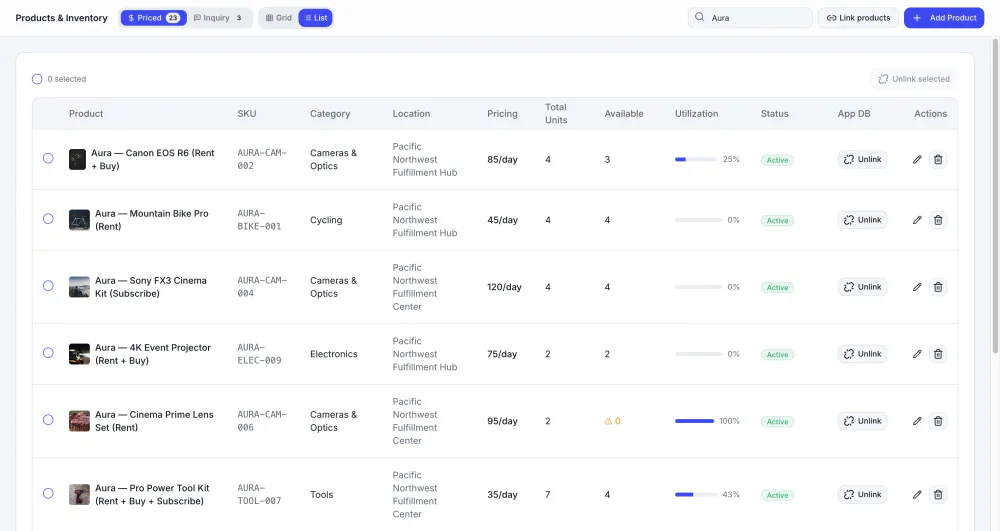
You don't move stock up and down as items go out and come back. Rental Suite works out what's free on any date from the fleet size and the bookings against it.